Screenshots
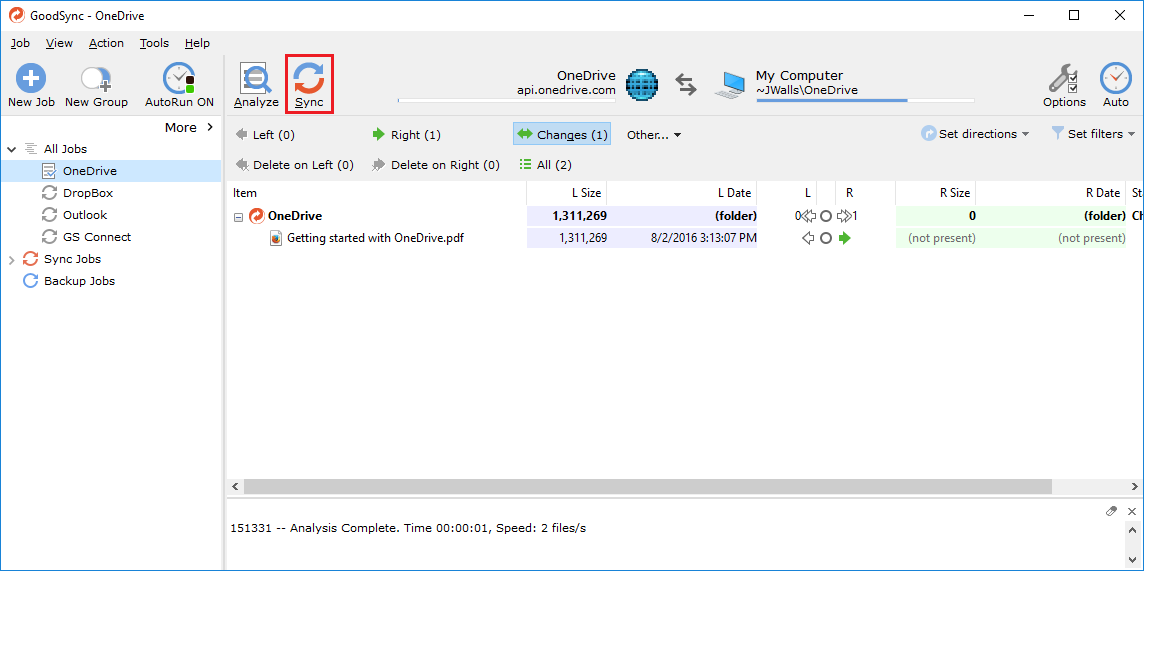
Main Window
The GoodSync Main Window displays a real-time status of your synchronized and/or backed up files. Job tabs across the top allow you to easily organize and view multiple synchronization jobs. Simply click "Analyze" or "Synchronize" to begin your synchronization.
Options: General
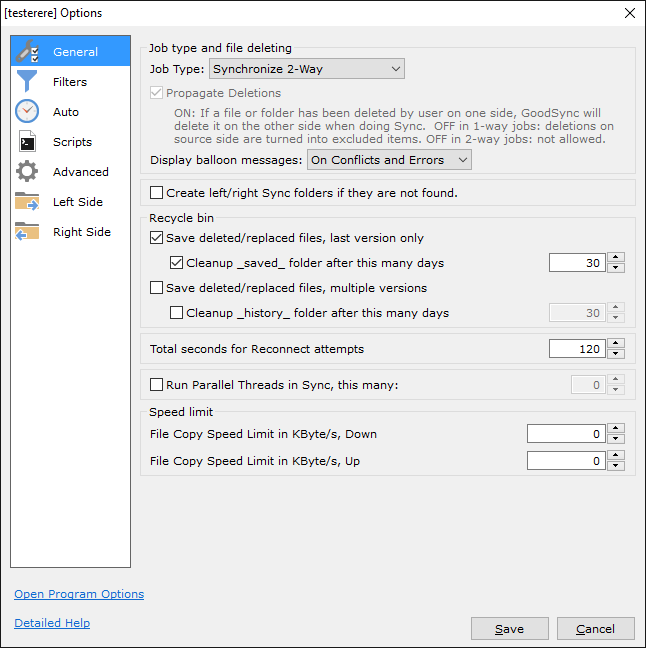
The GoodSync General Job Options menu allows you to select the synchronization (2-Way) and/or back up (1-Way) settings you desire, as well as the general set-up settings that best fit your needs.
Options: Filters
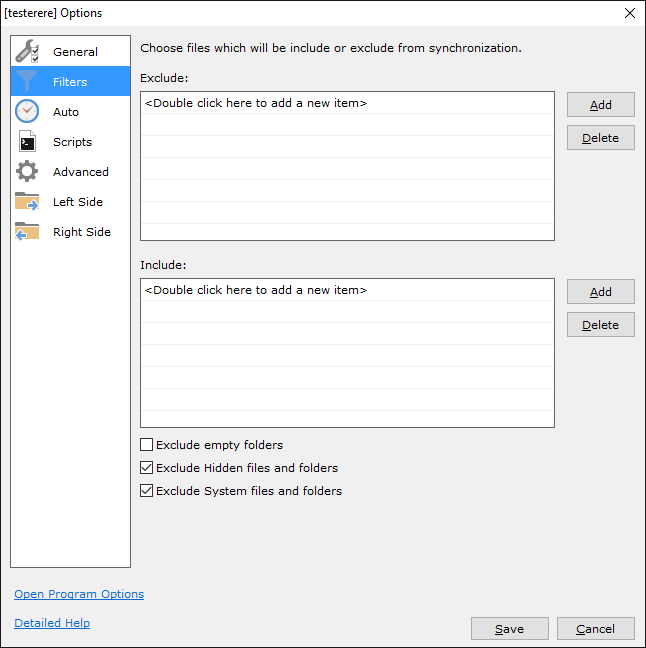
The GoodSync Filter Job Options menu allows you to further pinpoint the folders and files to exclude/include during backup and synchronization.
Options: Automation
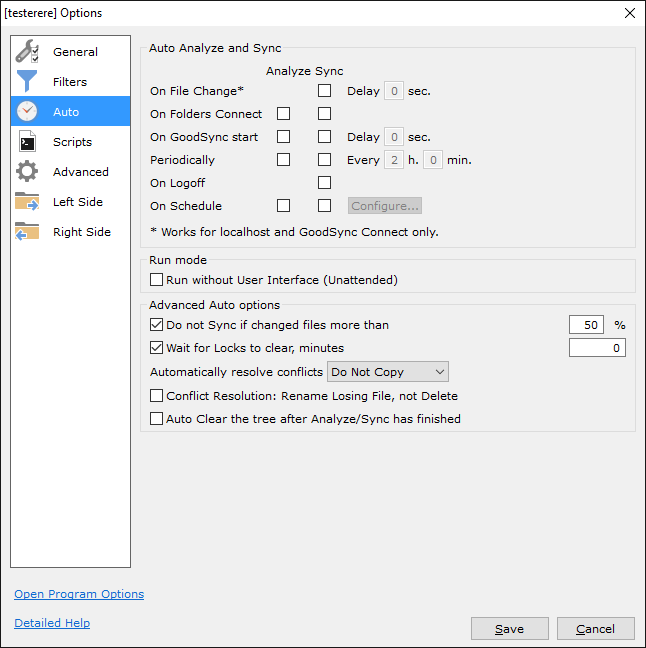
The GoodSync Automation Options menu allows you to schedule automatic synchronizations and/or back ups. Choose from many pre-defined scheduled settings or customize your own automatic schedule. Set it and forget it, giving you complete peace of mind that your files are automatically synchronized and/or backed up.
Options: Scripts
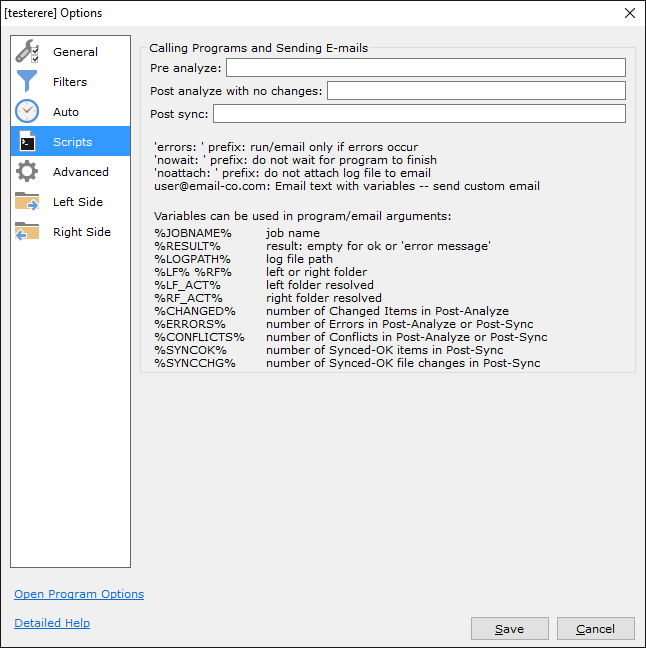
The GoodSync Scripts Options menu allows you to run your own scripts along with backup and synchronization.
Options: Advanced
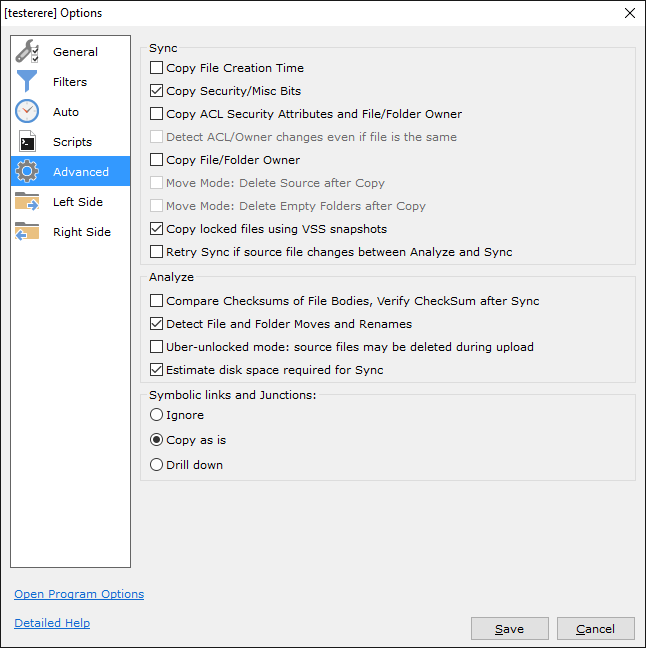
The GoodSync Advanced Options menu allows you to configure job options such as using Safe Copy, the copying of Locked Files, and more.