How an Engineering Firm Put 350 Employees on Laptops Years Before COVID

GoodSync let staff check out whole CAD project folders, work locally, and sync changes back across seven offices, with no dependence on VPN speed.

Industry
Environmental Engineering
Company Size
~350 employees, 7 offices, 45 TB of project data
How an Engineering Firm Put 350 Employees on Laptops Years Before COVID

KPIs Achieved

100%
Of staff on laptops through the pandemic

The work-from-home model built in 2015 was already in place, so the firm kept working without disruption when COVID hit

350
Employees working from synced local project folders

Designers check out full project structures, work offline, and sync modified files back

45 TB
Of project data available to every office

Replicated on-prem servers in each of seven offices keep all project data accessible, with GoodSync handling the check-out and sync-back workflow

About the Company

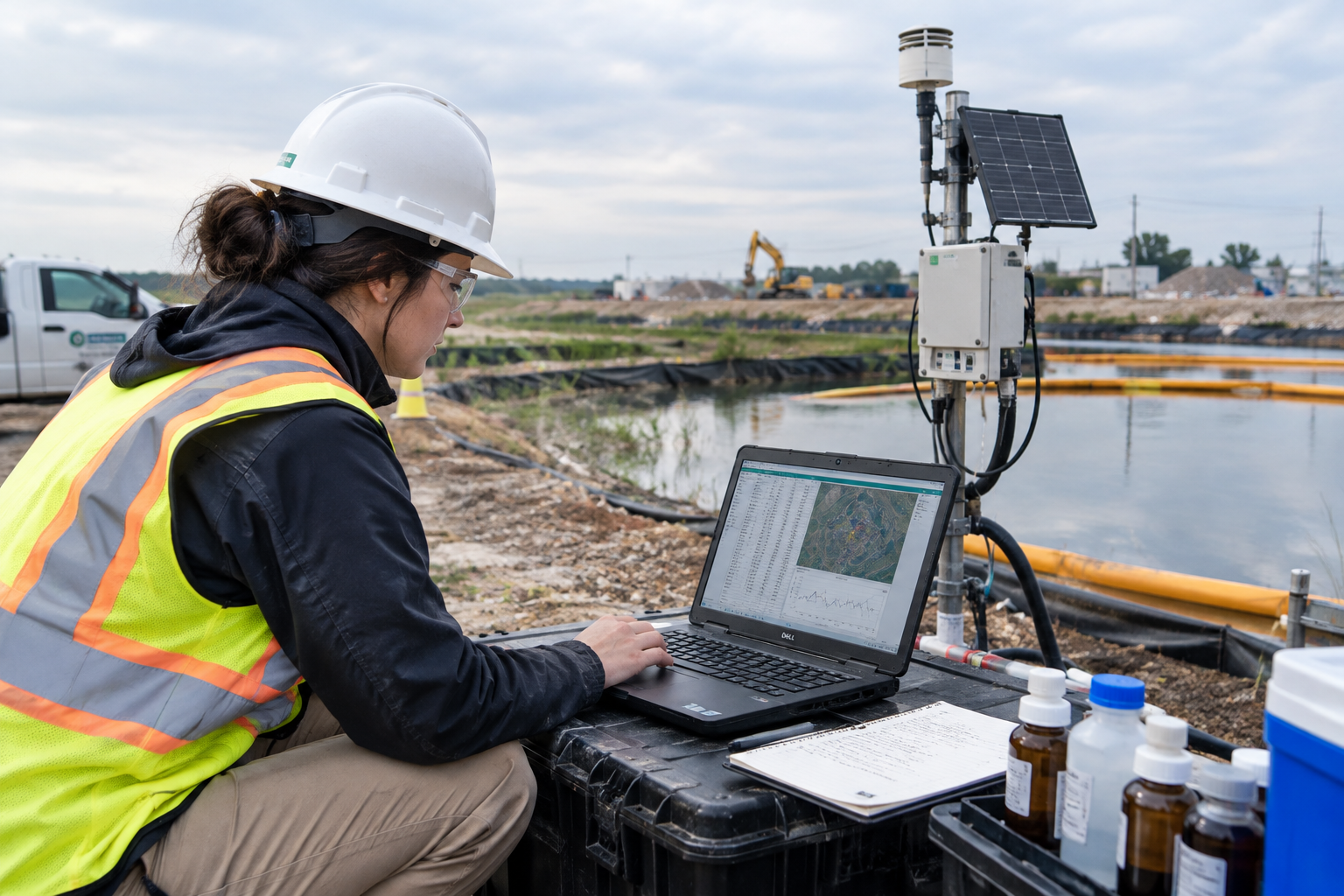
The company is an environmental engineering firm of about 350 employees in seven offices across several states. Its work centers on wetland and stream restoration, plus surveying, archaeology, and GIS. All project data stays on on-premises servers rather than in the cloud, and each office has its own replicated server, so any employee can reach any project from any location. The workforce skews young, and needs like childcare and flexibility pushed the firm away from desktop CAD workstations and toward laptops well before remote work became mainstream.

The Challenge: Big CAD Files, Remote Staff, and VPNs That Couldn't Keep Up

The firm wanted designers to work from home on laptops, but its project files live on-premises and CAD files are large, making remote access painful.

CAD Over VPN icon

CAD Over VPN Is Slow

Opening and saving large CAD files across a VPN performs poorly. Working directly on server files from home wasn't practical for production engineering.

Shift to laptops icon

A Shift From Desktops to Laptops

Starting in 2015, the firm recognized it needed to support work from home. Laptops replaced traditional CAD desktops, which meant project data had to travel with the designer.

CAD references icon

Keeping CAD References Intact

CAD projects depend on reference files and a specific folder structure. Working on a local copy without breaking those links required a consistent project layout on every laptop.

Auditability icon

Auditability and Continuity

With files modified offline, the firm needed to sync changes back safely, keep a record of what changed, and avoid losing earlier versions.

The performance of large CAD files over VPN is far from stellar.

CAD Systems Lead

The Solution

The firm used GoodSync to let designers 'check out' an entire project folder structure from the server, work on it locally, and intelligently sync the modified files back.

Check Out the Whole Project

Check Out the Whole Project

Before working remotely, a designer syncs the project's complete folder structure to a laptop, either in the office or over VPN, then disconnects and works locally at full speed.

A Local Project Drive for CAD References

A custom program on each laptop creates a local project drive and job structure that mirrors the server, so CAD reference files keep working the same way offline as they do in the office.

A Local Project Drive for CAD References
Smart Sync Back With an Audit Trail

Smart Sync Back With an Audit Trail

When the designer reconnects, only modified files sync back to the server. GoodSync's archiving features keep prior versions, providing auditing and continuity.

How It Works

The workflow is simple: sync down, work locally, sync back. It works alongside the firm's existing replicated servers without changing how they operate.

Sync Down Over the Office Network

Sync Down Over the Office Network or VPN

Designers pull the project they need to their laptop while connected, so the large transfer happens at office network speed or over a VPN connection instead of during editing.

Work Locally, Disconnected

Work Locally, Disconnected

With the VPN off, CAD and project files open from the local drive, avoiding the slowdown of editing over a remote connection.

Sync Changes Back With Archiving

Sync Changes Back With Archiving

Modified files go back to the server through GoodSync, with archiving preserving previous versions for a record of what changed.

The Results

A work-from-home strategy that started in 2015 proved its value when the pandemic forced everyone home.

Prepared for COVID Before It Happened

Prepared for COVID Before It Happened

Because laptops and GoodSync were already the standard workflow, the firm was ready when offices closed. Staff were 100% on laptops throughout the pandemic with no disruption.

Fast, Responsive CAD Work Anywhere

Fast, Responsive CAD Work Anywhere

Designers work on local files instead of editing across a network, so performance doesn't depend on the quality of a home connection or VPN.

A Workflow That Scaled With the Business

A Workflow That Scaled With the Business

What began as individual licenses in 2015 grew into an enterprise deployment in 2020, and remote work continues to be the main driver of how the firm uses GoodSync.

We did not miss a beat, as we were 100% on laptops with GoodSync throughout the pandemic.

CAD Systems Lead

Key Takeaways

Remote-Ready Before It Was Required

Remote-Ready Before It Was Required

A check-out, work-locally, sync-back model kept engineering productive through COVID

Purpose-Built for Large CAD Workflows

Purpose-Built for Large CAD Workflows

Whole project folders, preserved reference structures, and archived versions for auditing

Ready to Make Remote CAD Work Without the VPN Pain?

See how GoodSync can let your designers work locally on large project files and sync changes back safely.

Ready to Make Remote CAD Work Without the VPN Pain?